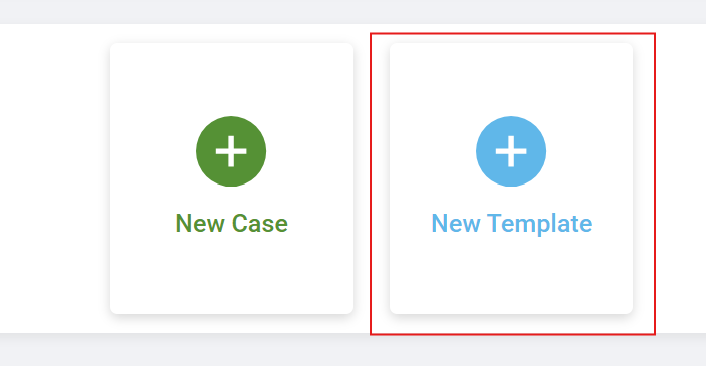
A template is a saved version of a prescription. We recommend setting up a template whenever you have a preferred appliance design you use often. Templates hold the appliance information, add-on information, and any design instructions that you use again and again.
You can make templates for Fixed, Removable, 3D Metal, Essix, 24 Hour, or standalone 3D Model cases.
You can choose color coding for your templates; many offices choose to categorize their appliance types by color for even faster ordering.
You can also name your template anything you like, keeping appliance terminology consistent in your office and among your staff.
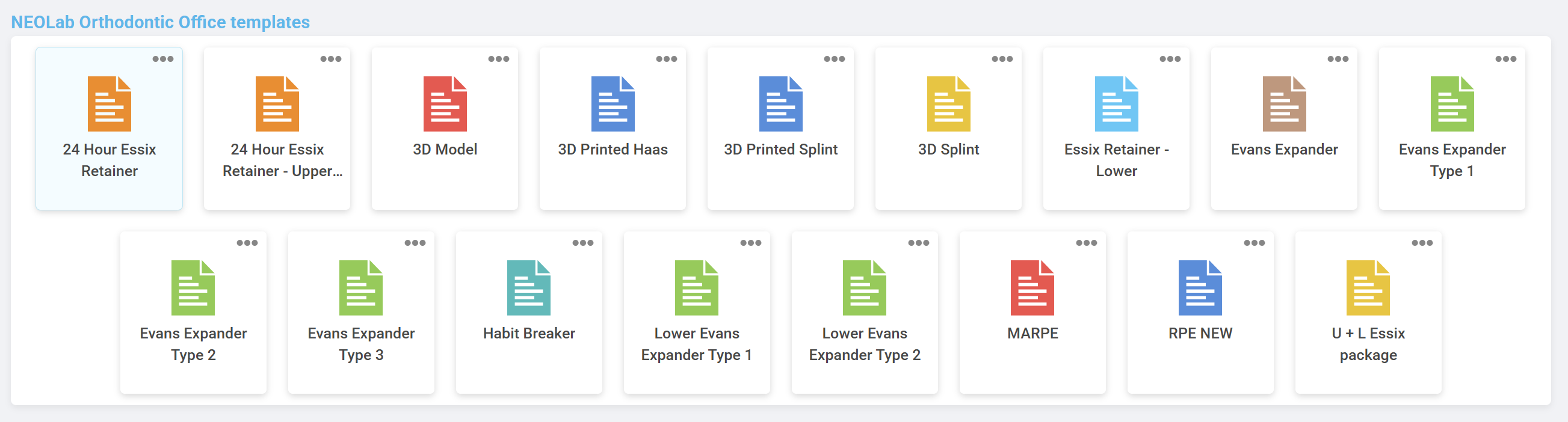
When using a template, you save time in filling out a script, and increase accuracy by using a pre-approved and pre-saved appliance design. The only things you'll need to add are:
- Patient First Name
- Patient Last Name
- Insert Date (if scheduled)
- Due Date
Saving your favorite designs as templates mean you can simply click-click-go when creating prescriptions!
Was this article helpful?
That’s Great!
Thank you for your feedback
Sorry! We couldn't be helpful
Thank you for your feedback
Feedback sent
We appreciate your effort and will try to fix the article