A password reset is necessary when you can't remember the password to your RX Wizard account. This is different from voluntarily changing the password because it was compromised, or you simply want a new one. To change your password, reference the article here.
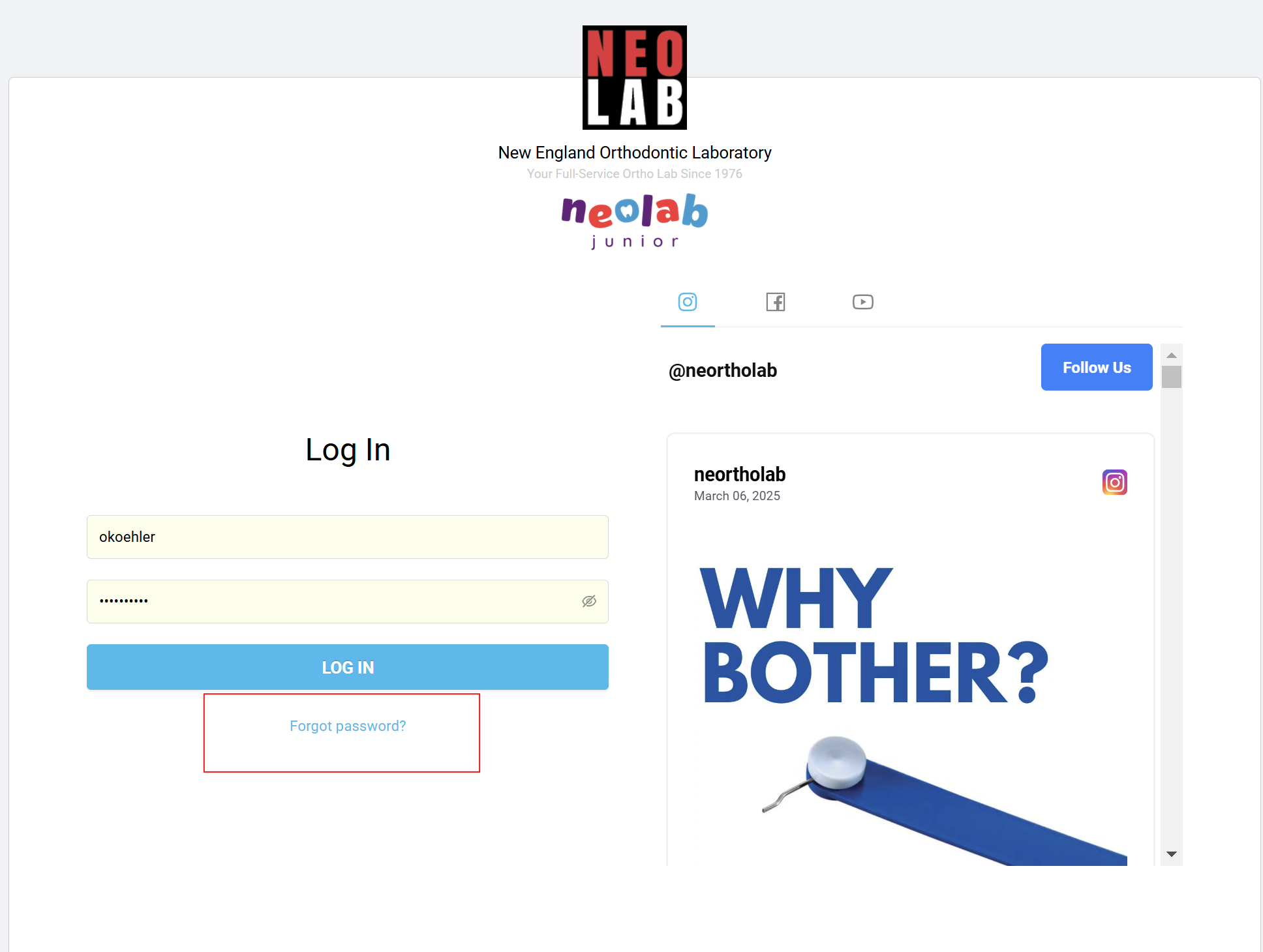
At the login page of RX Wizard, select the blue "Forgot Password?" link.
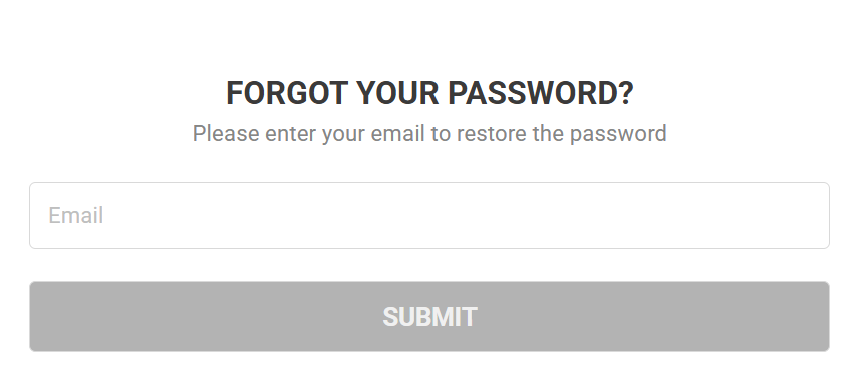
On the next page, enter your NEOLab email address, and select Submit. Your NEOLab email address was used to create your RX Wizard account, and must be used for password retrieval or reset.
Check your NEOLab email address, and follow the instructions provided in the password reset email.
Was this article helpful?
That’s Great!
Thank you for your feedback
Sorry! We couldn't be helpful
Thank you for your feedback
Feedback sent
We appreciate your effort and will try to fix the article